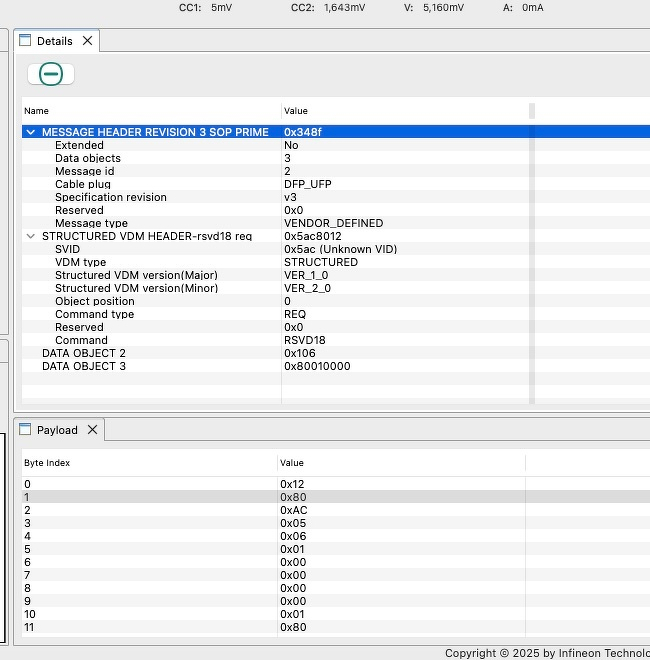
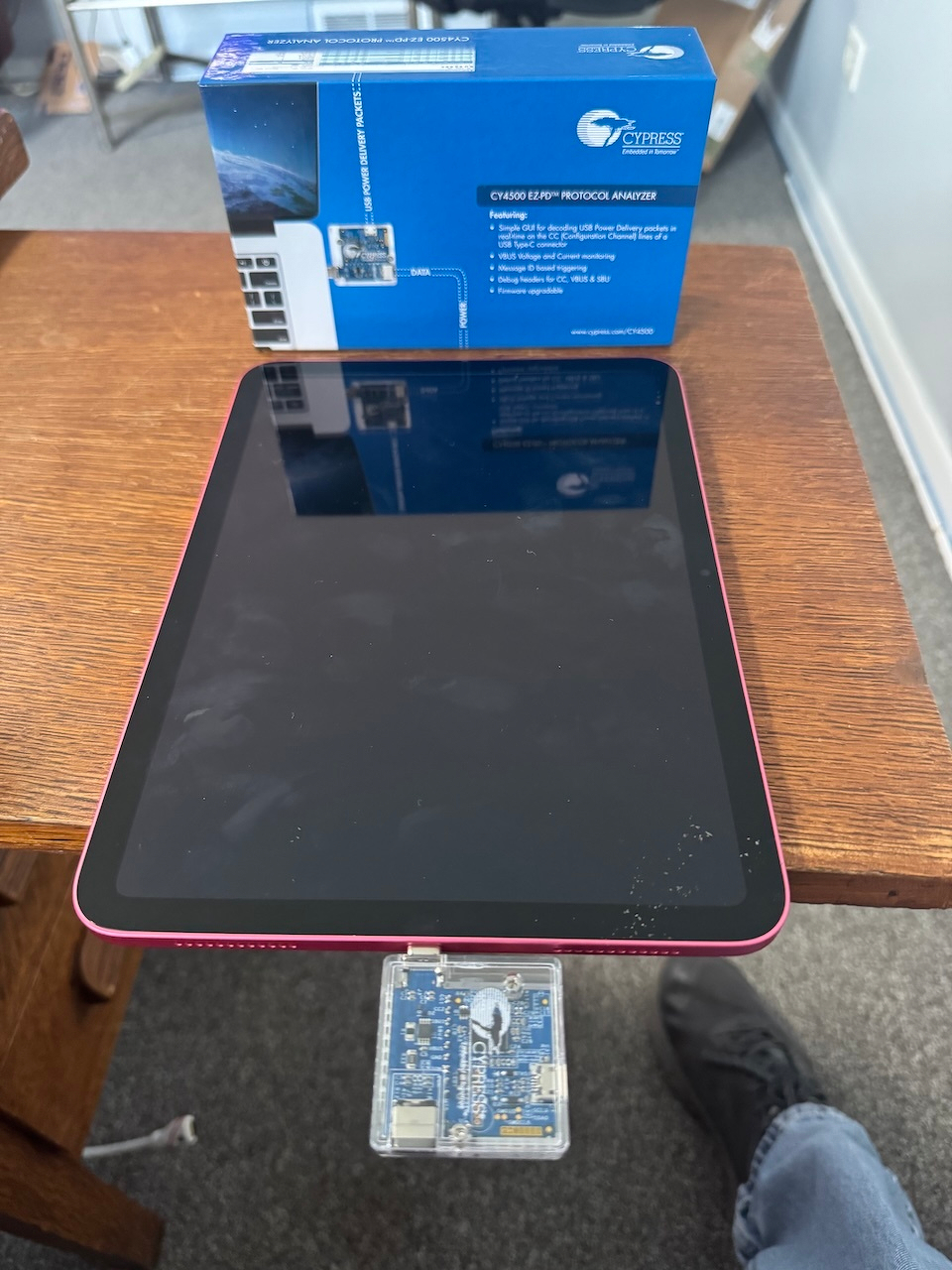
It looks like the command to put an iPad (A16) into DFU mode changed. There are some introspection that you can with USB-PD to find out what commands a device supports, but none of them seemed to work. I needed to go deeper and see the actual USB-PD packets. I got a CY4500 EZ-PD Protocol Analyzer from Mouser. It promised to show me the power delivery packets on the wire. I was going to hook it up to a PC when I got home, but when I got it at the office today, the docs said it worked on macOS.
I got it working, but it wasn’t easy:
- The macOS installer package was not signed. I had to allow it from System Settings -> Privacy & Security.
- Once the app was installed, it crashed with a Java error. Looking closer, it couldn’t find libUSB. So I installed it with “brew install libusb”.
- The app launched! Yea! But then it said I had to install a firmware update on the device and told me where it was and how to run it.
- The firmware updater is a macOS app but wouldn’t launch. It had an invalid code signingin signature. I had to sign to code sign it to get it to launch.
Once I did all that, the traces started to work! It seems the issue is the version of the Vendor Defined Message (VDM) packet that is being sent is the only difference and I suspect the new iPads require it. No way to test it yet, but it was pretty cool to do a “man in the middle” trace of USB-PD traffic.