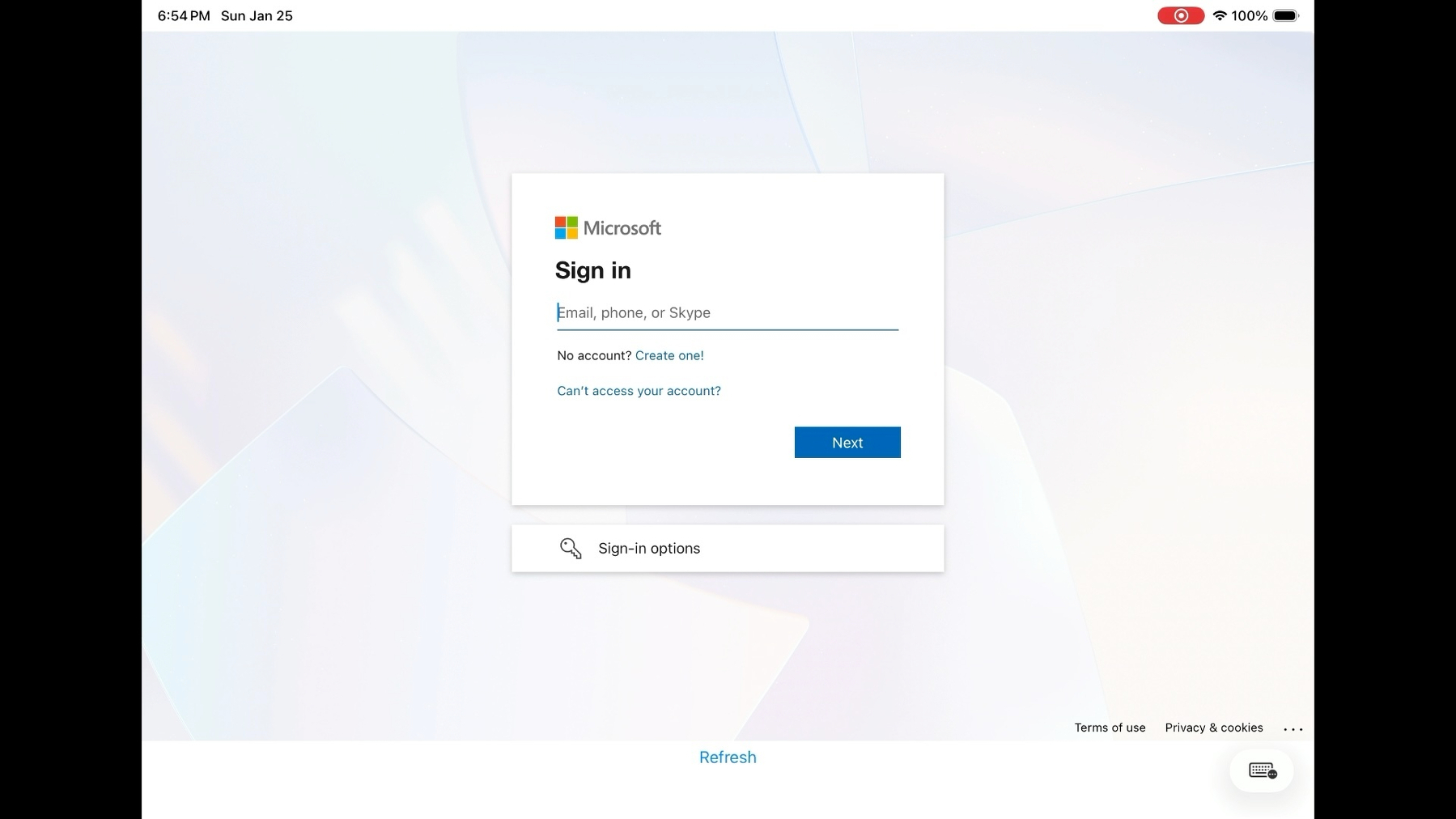
I was curious about the options for authenticating with a cloud provider to get access to an iPad (similar to what you get on macOS with XCreds). I got it working. Here is how it works:
- iPad is enrolled in MDM with Automatic Device Enrollment. This is required for putting into Autonomous Single App Mode. Autonomous Single App Mode means the MDM puts the app in Single App mode, but the app itself can exit Single App Mode. The user can’t exit the app or get access to other features of the iPad like Control Center.
- The app shows a web view to authenticate the user using their OIDC credentials.
- On successful authentication, the tokens are verified and if successful, the app allows the user to go out of Single App Mode.
- When the user is done with the session, they open the app again and the app puts itself into Single App Mode.
I found that if restarted the iPad when it is locked in Single App Mode, it goes back into Single App Mode. If the iPad is restarted when the user is logged in and not in Single App Mode, it will be out of Single App Mode when the iPad comes back up.
I created a short video showing how it works: